- Rehman
- 2:34 pm
- April 21, 2026
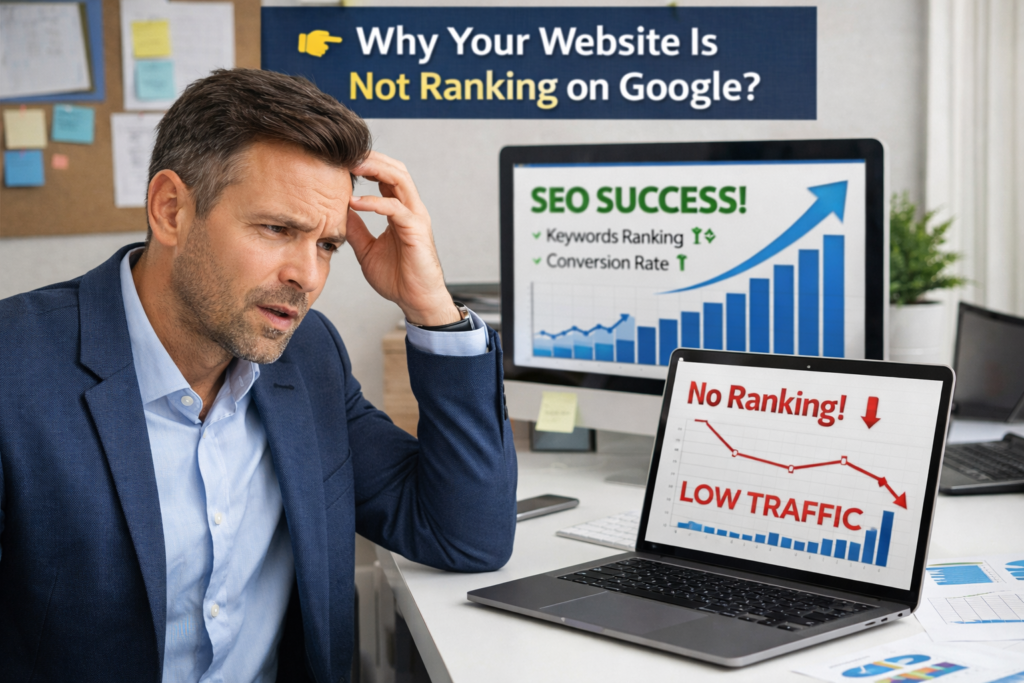
You’ve written great content. You’ve picked your keywords. You’ve even worked on your meta descriptions. But your website still isn’t showing up on Google.
Sound familiar?
Here’s what most beginner guides won’t tell you: your content and keywords can only take you so far. If the technical foundation of your website is broken — if Google can’t crawl it, can’t read it, or can’t trust it — none of that other work will matter.
That’s where technical SEO comes in.
It sounds intimidating. “Technical” anything usually does. But the truth is, the core concepts of technical SEO are straightforward once someone explains them in plain English — without the jargon.
That’s exactly what this guide does. By the end, you’ll understand what technical SEO is, why it matters more than ever in 2026, and what you need to fix first on your own website.
What Is Technical SEO?
Technical SEO is the process of optimizing the infrastructure of your website so that search engines can easily find, crawl, understand, and index your pages.
Think of it this way. Your content is the message you want to deliver. On-page SEO makes that message clear and relevant. Off-page SEO builds your reputation. But technical SEO is the road that delivers the message. If the road is broken, nothing gets through.
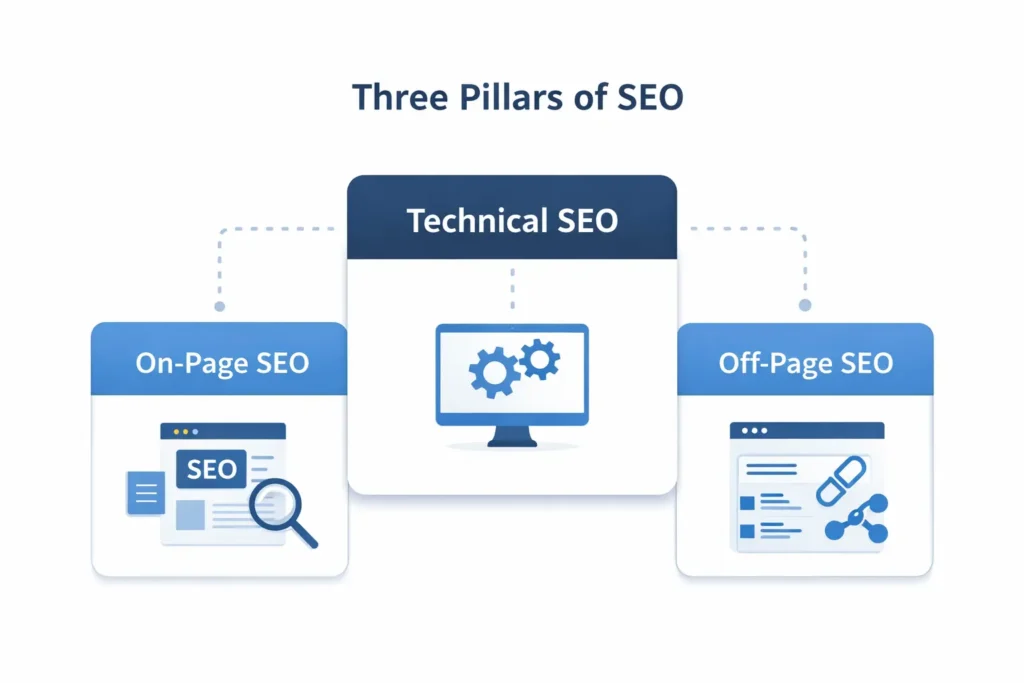
SEO has three main pillars:
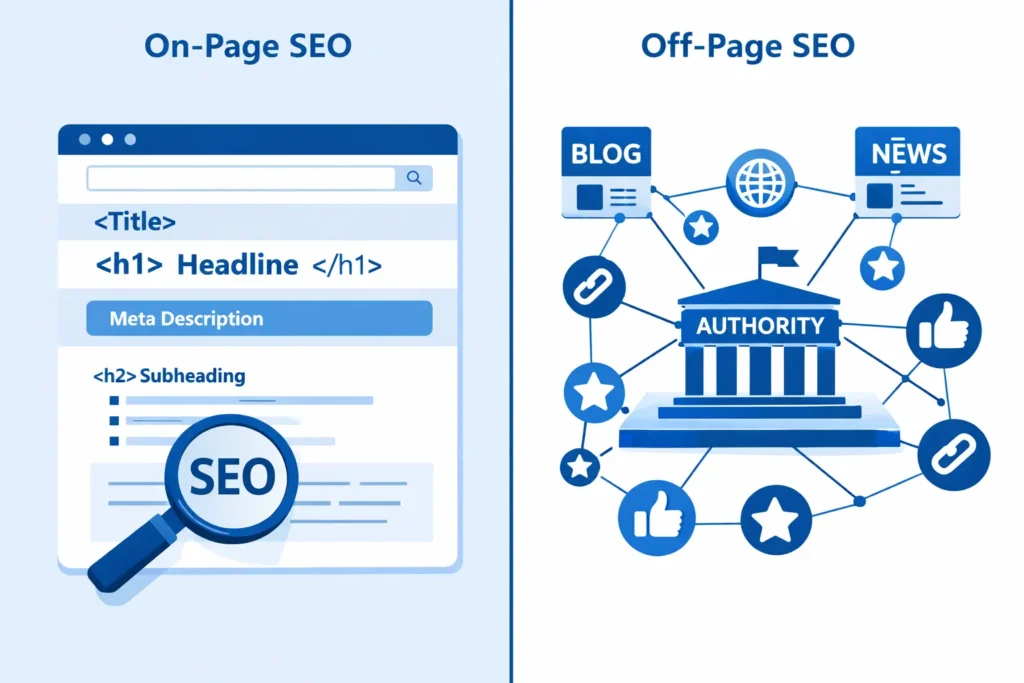
- On-Page SEO — Optimizing content, keywords, headings, and meta tags
- Off-Page SEO — Building backlinks and domain authority
- Technical SEO — Making sure search engines can actually access and understand your site
All three work together. But technical SEO is the foundation. If it’s weak, the other two can’t perform at their best — no matter how good your content is or how many backlinks you’ve earned.
At Alpha Digitix, every SEO strategy we build starts with a full technical audit — because there’s no point optimizing content on a site that Google can’t properly crawl.
Why Technical SEO Matters More Than Ever in 2026
Technical SEO used to be something only large websites worried about. That’s no longer true.
In 2026, technical SEO is the infrastructure of trust. With AI-driven search and Answer Engine Optimization becoming mainstream, only sites with a strong technical foundation can compete for visibility — not just in traditional search results, but in AI-generated answers too.
And the data backs this up. According to Backlinko’s analysis, proper technical optimization increases organic traffic by an average of 30%. That’s not a minor improvement — that’s the difference between a website that grows and one that stays invisible.
Here’s the practical reality: Google sends bots to crawl websites constantly. If those bots hit errors, slow load times, or confusing site structures, they move on. Your pages don’t get indexed. Your content never ranks. All your hard work disappears into a void.
Fix your technical SEO, and you remove those barriers entirely.
Core Technical SEO Concepts Every Beginner Must Know
Let’s break down the key technical SEO elements — what each one is, and why it matters.
1. Crawlability — Can Google Find Your Pages?
Crawlability means how easily search engine bots can navigate your website and discover all your pages.
If a page isn’t crawlable, it doesn’t exist in Google’s eyes. Common crawlability issues include:
- Broken internal links — Links pointing to pages that no longer exist (404 errors)
- Orphan pages — Pages with no links pointing to them from elsewhere on your site
- Blocked pages — Pages accidentally blocked from crawling in your robots.txt file
- Redirect chains — Multiple redirects stacked on top of each other that slow bots down
How to fix it: Use Google Search Console (free) to check for crawl errors. Fix broken links, add internal links to orphan pages, and make sure important pages aren’t blocked.
This is also why internal linking — connecting your blog posts and service pages to each other — is so important. It’s not just good for readers. It’s how Google discovers and prioritizes your pages.
Need help structuring your site’s internal links properly? Our professional SEO services at Alpha Digitix cover complete technical audits including crawlability fixes.
2. Indexing — Is Google Including Your Pages in Search Results?
Crawling and indexing are different things. Google might crawl your page but still choose not to include it in search results.
Indexing means your page has been added to Google’s database and can appear in search results. If your page isn’t indexed, it will never rank — simple as that.
Common indexing issues:
- Noindex tags — A meta tag that tells Google not to index a page (sometimes added accidentally)
- Duplicate content — Multiple pages with nearly identical content confuse Google about which to rank
- Thin content — Pages with too little content that Google doesn’t consider worth indexing
- Canonical tag errors — Incorrect canonical tags pointing Google to the wrong version of a page
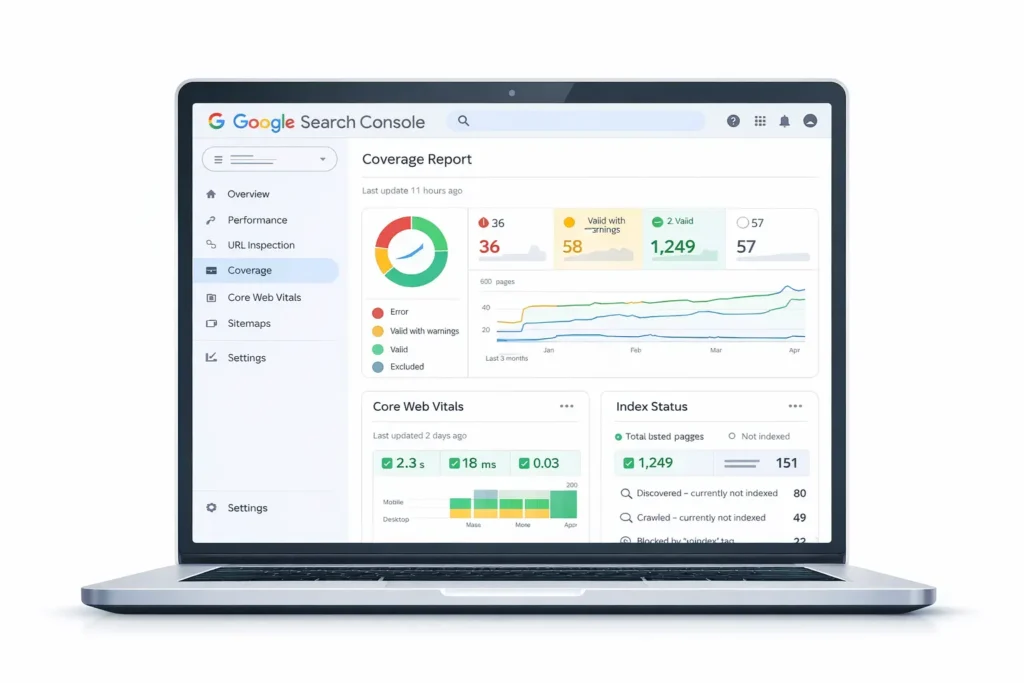
How to fix it: In Google Search Console, go to the Coverage report. It shows you exactly which pages are indexed, which are excluded, and why. Review any excluded pages and resolve the issues.
3. Site Speed — How Fast Does Your Website Load?
Page speed is both a ranking factor and a user experience factor. A slow website frustrates visitors and gets penalized by Google. In 2026, speed standards are higher than ever.
Google measures site speed through Core Web Vitals — a set of three metrics:
- LCP (Largest Contentful Paint) — How long it takes for the main content to load. Target: under 2.5 seconds
- INP (Interaction to Next Paint) — How quickly your page responds to user interactions. Target: under 200ms
- CLS (Cumulative Layout Shift) — How much your page layout shifts while loading. Target: under 0.1
How to fix it: Run your website through Google PageSpeed Insights (free). It gives you a score out of 100 and a detailed list of exactly what’s slowing you down — from uncompressed images to render-blocking scripts.
Common quick wins: compress images, enable browser caching, use a fast hosting provider, and minimize unnecessary plugins.
4. Mobile-First Indexing — Is Your Site Built for Mobile?
Google now primarily uses the mobile version of your website for indexing and ranking. This is called mobile-first indexing. If your desktop site looks great but your mobile site is a mess, your rankings will suffer across the board.
What to check:
- Does your website resize and respond correctly on smartphones and tablets?
- Are buttons large enough to tap on a small screen?
- Is text readable without zooming?
- Do images load correctly on mobile?
How to fix it: Use Google’s free Mobile-Friendly Test tool. If your site is built on WordPress, make sure your theme is fully responsive. A well-built, professionally developed website will handle mobile optimization automatically.
5. HTTPS & Site Security
If your website still runs on HTTP instead of HTTPS, you have a problem. Google has treated HTTPS as a ranking signal since 2014 — and in 2026, any site without an SSL certificate is flagged as “Not Secure” in browsers, which destroys user trust immediately.
How to fix it: Install an SSL certificate on your website. Most hosting providers offer free SSL through Let’s Encrypt. If you’re on WordPress, your host can typically activate it in one click.
6. XML Sitemap — Your Website's Road Map for Google
An XML sitemap is a file that lists all the important pages on your website and tells Google exactly where to find them. Think of it as handing Google a map of your entire site so it doesn’t miss anything.
How to fix it: If you’re using WordPress, install Rank Math or Yoast SEO — both automatically generate and update your XML sitemap. Submit it to Google Search Console under the Sitemaps section.
7. Robots.txt — Controlling What Google Can Access
Your robots.txt file is a simple text file that tells search engine bots which pages they’re allowed to crawl and which they should ignore.
Used correctly, it helps Google focus on your important pages. Used incorrectly, it can accidentally block your entire website from being indexed.
What to check: Make sure your robots.txt file isn’t blocking pages you want Google to find. You can view it by typing yourwebsite.com/robots.txt directly in your browser.
8. Schema Markup — Helping Google Understand Your Content
Schema markup is code you add to your pages that helps Google understand what your content is about — and display it more richly in search results.
For example, schema can make Google show your FAQ section directly in search results (FAQ rich snippets), display star ratings for reviews, or show event dates. These rich results get significantly higher click-through rates than plain blue links.
How to fix it: Use Rank Math or Yoast SEO on WordPress — both make it easy to add schema markup without touching a line of code.
Technical SEO Checklist for Beginners
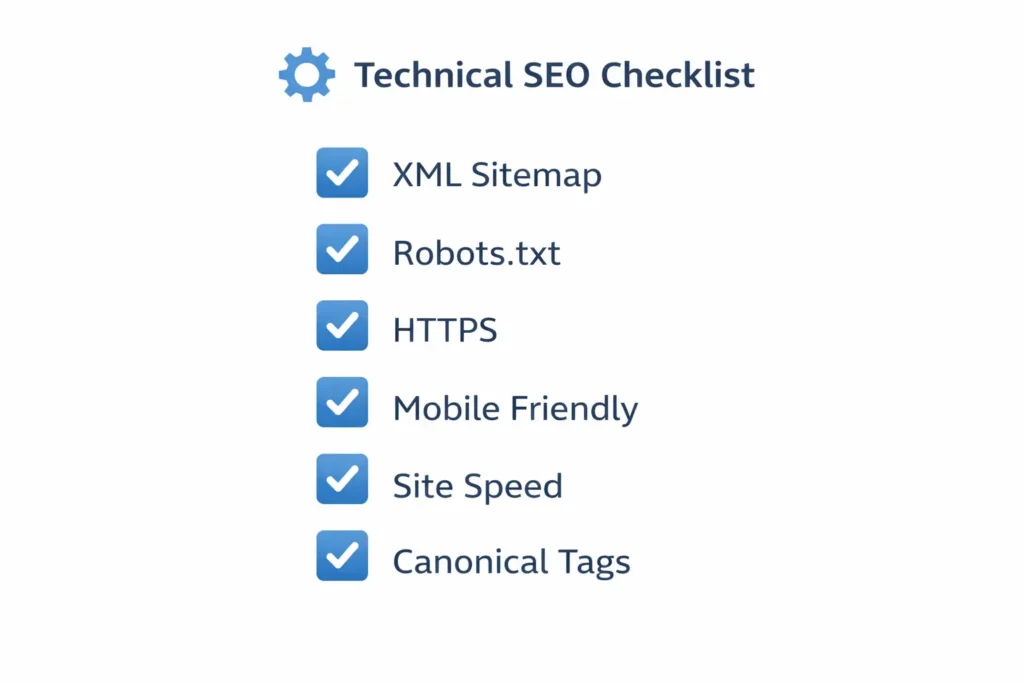
Here’s a practical checklist you can work through right now:
| Task | Tool to Use | Priority |
|---|---|---|
| Submit XML Sitemap | Google Search Console | 🔴 High |
| Fix crawl errors | Google Search Console | 🔴 High |
| Enable HTTPS/SSL | Hosting provider | 🔴 High |
| Check mobile-friendliness | Google Mobile-Friendly Test | 🔴 High |
| Improve page speed | Google PageSpeed Insights | 🔴 High |
| Fix broken links | Screaming Frog / GSC | 🟡 Medium |
| Add canonical tags to duplicate pages | Rank Math / Yoast | 🟡 Medium |
| Review robots.txt file | Browser / GSC | 🟡 Medium |
| Add schema markup | Rank Math / Yoast | 🟡 Medium |
| Fix orphan pages with internal links | Manual audit | 🟢 Ongoing |
Don’t try to fix everything at once. Start with the high-priority items — they’ll have the biggest immediate impact on your rankings.
How to Monitor Technical SEO Ongoing
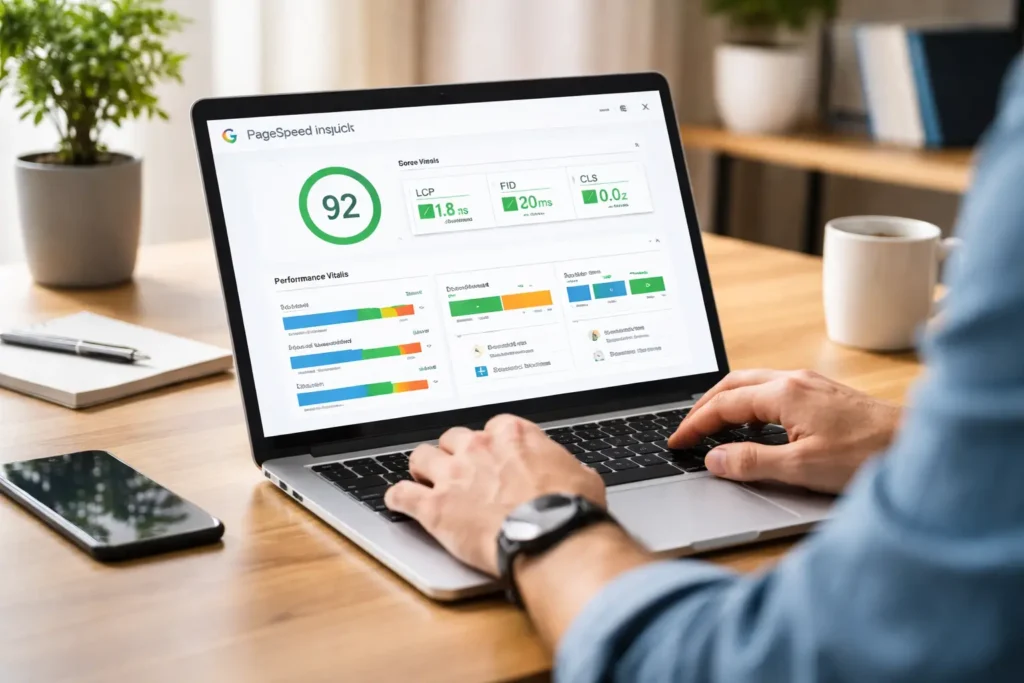
Technical SEO isn’t a one-time job. Sites break, pages get added, plugins conflict. You need to monitor regularly.
Google Search Console is your most important free tool. Check it at least once a month for:
- New crawl errors
- Coverage drops (pages losing index status)
- Core Web Vitals regressions
- Manual penalties (rare, but important)
Set it up if you haven’t already — it’s completely free and takes about 10 minutes to connect to your website.
For deeper audits, tools like Screaming Frog (free up to 500 URLs), Ahrefs, or Semrush will crawl your entire site and surface technical issues automatically.
If managing all of this feels overwhelming, that’s completely normal. Technical SEO has a learning curve — and many businesses find it more efficient to hand it off to specialists so they can focus on running their business. Our team at Alpha Digitix handles full technical SEO audits and ongoing monitoring as part of our SEO packages.Common Technical SEO Mistakes Beginners Make
Before we wrap up, here are the most common mistakes to avoid:
Mistake 1: Accidentally blocking pages in robots.txt A single wrong line in your robots.txt can prevent Google from indexing your entire site. Always double-check after any changes.
Mistake 2: Ignoring mobile optimization If your site isn’t mobile-friendly, you’re invisible to the majority of Google’s users. Mobile-first isn’t a trend — it’s the standard.
Mistake 3: Skipping HTTPS No SSL certificate means no trust — from Google or from your visitors. Get this fixed before anything else.
Mistake 4: Publishing duplicate content Two pages covering the same topic without canonical tags confuse Google. Use canonical tags to tell Google which version is the primary one.
Mistake 5: Never checking Google Search Console Most technical issues are caught and reported by Google Search Console. If you’re not checking it regularly, you’re flying blind.
Conclusion
Technical SEO isn’t glamorous. You won’t see it directly — but your rankings absolutely will.
Getting your site’s technical foundation right means Google can find your pages, trust your site, and rank your content. Without it, every other SEO effort is limited. With it, everything else you do works better.
Start with the checklist above. Fix the high-priority items first. Then work through the rest systematically. And if you want a professional to audit your site and handle the technical fixes for you — get in touch with Alpha Digitix today.
We’ll find what’s holding your site back — and fix it.
Frequently Asked Questions (FAQs)
On-page SEO is about optimizing the content and keywords on your pages. Technical SEO is about optimizing the infrastructure of your website — how it's built, how fast it loads, and how easily Google can crawl and index it. Both are necessary for ranking.
Not necessarily. Many technical SEO tasks — like submitting a sitemap, checking crawl errors, or adding schema markup — can be done through tools like Google Search Console, Rank Math, or Yoast SEO without any coding. More advanced fixes may require developer help.
Some fixes — like enabling HTTPS or submitting a sitemap — can show results within days. Others, like improving Core Web Vitals or fixing large-scale crawl issues, may take a few weeks to reflect in rankings.
No. Technical SEO requires ongoing monitoring. Websites change, new pages are added, plugins update — all of which can introduce new technical issues. Monthly checks with Google Search Console and quarterly full audits are recommended.
For a brand new website, the top priorities are: enable HTTPS, submit your XML sitemap to Google Search Console, make sure your site is mobile-friendly, and ensure no important pages are accidentally blocked in robots.txt.